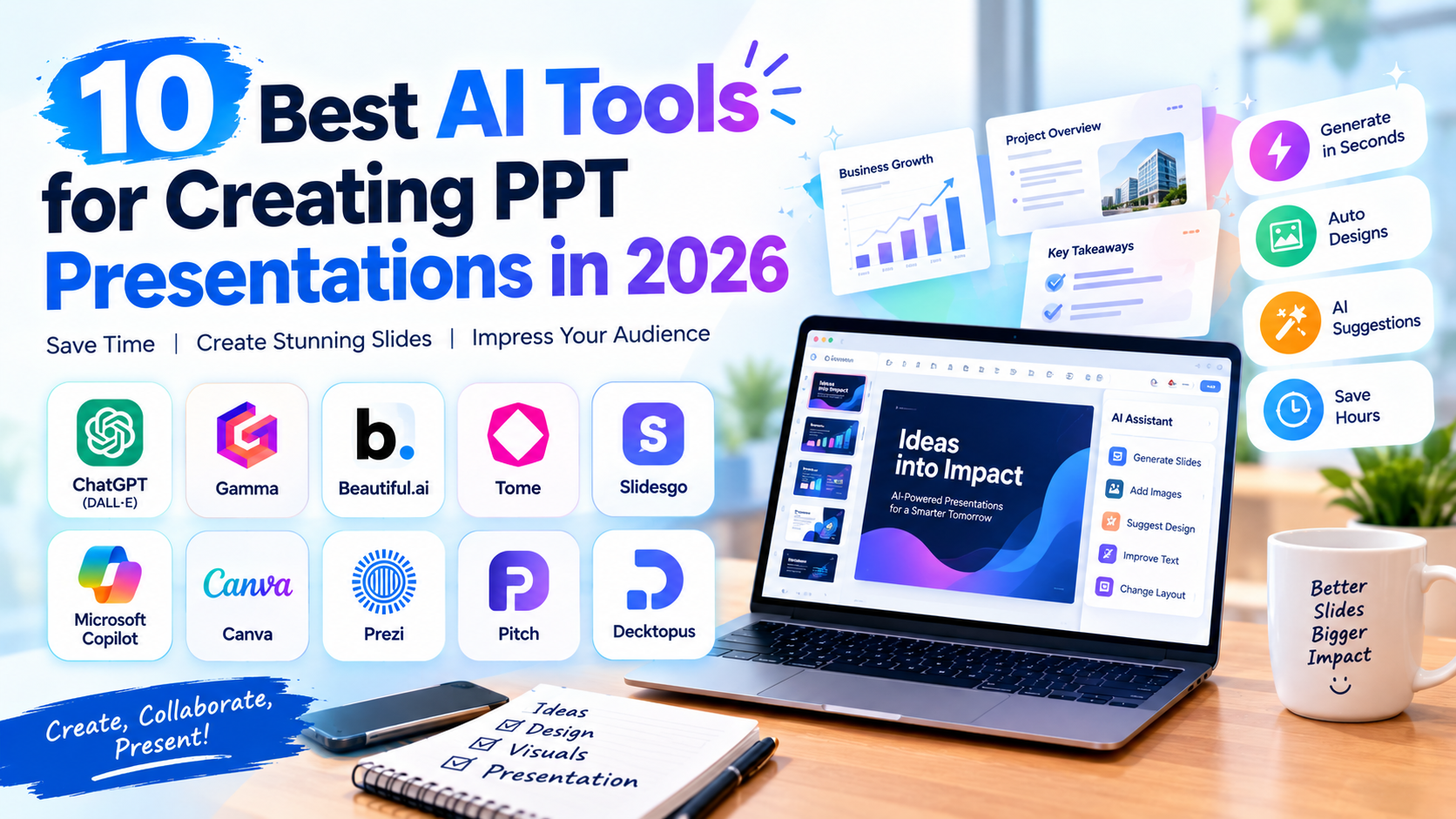
10 Best AI Tools for Creating PPT Presentations in 2026
It can take hours to create a polished PowerPoint presentation. Users must conduct research, arrange the content, compose slide copy, select layouts, locate images, and uphold a unified visual style. Making presentations can become a time-consuming aspect of daily work for students, staff members, educators, marketers, and business executives.
This procedure is being altered by AI presentation tools. Users can supply a topic, outline, document, or prompt and let AI to create a presentation structure rather than creating each slide by hand. Numerous programs may also create images, develop slide content, recommend layouts, and assist users in converting pre-existing data into polished presentations.
In addition to producing PowerPoint files, AI-powered presentation software is now helpful in 2026 for idea generation, storytelling, graphic design, and teamwork. If you frequently do PowerPoint presentations, you should be aware of these ten AI technologies.
1. Canva
One of the most widely used visual design platforms is Canva, which provides AI-powered presentation creation tools. AI features can be used to create presentation material and layouts based on a description, or users can begin with a presentation template.
Canva is very helpful for people who like to have greater control over how their presentation looks. Users can modify text, graphics, photos, colors, animations, and layouts after creating a presentation. This makes it helpful for professionals making business decks, marketing presentations, and social media material as well as for students making academic presentations.
2. Gamma
Gamma is a platform for creating documents and presentations that uses artificial intelligence to transform concepts into attractively organized presentations. Instead of creating each slide by hand, users can utilize AI to generate a presentation based on a topic, outline, or pre-existing information.
Gamma's emphasis on narrative and contemporary layouts is one of its advantages. Gamma employs web-style layouts and flexible cards in place of conventional PowerPoint slides for presentations. The generated information and presentation design can then be altered by users. Pitches, reports, instructional materials, and company presentations can all benefit from it.
3. Microsoft Copilot for PowerPoint
Microsoft Copilot integrates generative AI directly into PowerPoint and the company's productivity ecosystem. Natural-language instructions can be used by users to produce content, work with pre-existing documents, and make presentations.
Those who already utilize Microsoft 365 will find this very helpful. They can include AI into their current PowerPoint workflow rather than transferring their work to a different presentation platform. While the user maintains control over the finished deck, Copilot can help convert data into presentation content and assist with editing and polishing slides.
4. Beautiful.ai
Beautiful.ai is a platform for AI-powered presentations that primarily focuses on automated presentation design. Its method is intended to assist users in producing slides that seem professional without requiring them to manually modify every component.
When users add or edit content, the platform's intelligent layouts automatically arrange it. Professionals that desire visually consistent presentations but lack sophisticated graphic design abilities may find this helpful. This kind of automatic layout solution might be useful for reports, investor presentations, business presentations, and sales decks.
5. Tome
Tome is a platform for storytelling and presentation driven by AI that enables users to transform concepts into visual narratives. AI may create an organized presentation based on a prompt from users.
Instead of just putting text into conventional PowerPoint templates, the platform emphasizes storytelling. This can make it helpful for presentations like product pitches, business proposals, and instructional presentations where the information flow is especially crucial. After that, users can alter the generated material to fit their target demographic and message.
6. SlidesAI
SlidesAI is intended to assist users in creating text-based presentations. Users can supply written content and allow the AI to transform it into a slide-based framework rather than beginning with a blank presentation.
Students and professionals who already have their research or notes ready but don't want to manually divide the content into slides may find this especially helpful. The content can be arranged using AI into presentation parts, headings, and bullet points. After that, users can modify the created slides and change the layout to suit their needs.
7. Plus AI
Plus AI is an AI presentation tool made to work with PowerPoint and Google Slides presentations. It can assist users in turning pre-existing content into organized slides and creating presentations based on suggestions.
Instead of learning a completely new design environment, users can continue working with existing presentation tools, which is a helpful feature of this technique. AI can help with content rewriting, slide creation, and information format adaptation. Because of this, business customers who frequently generate presentations and wish to minimize tedious formatting tasks may find it helpful.
8. Prezi AI
Prezi's AI features enable users to create presentations using generative AI, and it is renowned for its zoomable and dynamic presentation format. In addition to receiving help with presentation structure and design, users can supply a topic or initial content.
When a presenter wants something different from traditional slide-by-slide PowerPoint presentations, Prezi can be helpful. Presenters can produce more dynamic presentations by using its visual storytelling approach to physically arrange related concepts. In training, teaching, storytelling, and presentations where visual connections between ideas are crucial, it can be very helpful.
9. Pitch
Pitch is an AI-powered tool for collaborative presentations that helps teams produce polished presentations. While utilizing AI support for content creation and editing, users can collaborate on presentations.
Because of this, startups, marketing teams, and companies that often collaborate on presentations will find Pitch very helpful. Several team members can participate while keeping a consistent design, as opposed to one individual making the complete deck. While the team is in charge of the ultimate content and presentation format, AI can help with writing and editing.
10. Decktopus AI
Decktopus AI is an AI presentation generator that allows users to construct presentations from prompts and structured material. The platform is made to make it easier to create a whole presentation without requiring a lot of design knowledge.
AI can create a presentation structure based on user input regarding the subject, target audience, or presenting goal. The tool can then assist with the visual presentation and slide content. Students, instructors, trainers, salespeople, and business users who need to swiftly generate presentations can all benefit from this.
How AI Is Changing PPT Presentation Creation
The speed of AI presenting tools is their greatest benefit. Traditionally, creating a presentation entails a number of distinct tasks, including information gathering, content writing, slide organization, and page design. Many of these phases can be combined into a single workflow by AI.
For instance, a student can ask an AI presentation tool to produce a 10-slide presentation on a topic like "Artificial Intelligence in Healthcare." An introduction, important applications, advantages, difficulties, examples, and conclusion may be produced by the tool. After then, the learner can examine the data and alter the slides.
AI can also assist professionals in creating presentations using current data. A lengthy report, document, or set of notes may be transformed into a presentation that is more organized. As a result, less manual labor is needed to decide what information should be on each slide.
AI Presentation Tools for Students
One of the largest potential audiences for AI presentation software is students. Presentations on subjects ranging from business and social studies to science and technology are frequently required of students for academic assignments.
Students can more quickly transform their findings into presentation structures by using tools like Canva, Gamma, SlidesAI, and Decktopus AI. Additionally, they don't need to be very skilled in graphic design to experiment with various visual designs.
Before turning in an academic presentation, students should, however, confirm any information produced by AI. AI has the potential to generate false information or oversimplify difficult topics. Checking references and making sure the final presentation appropriately covers the subject are still the student's responsibilities.
AI Presentation Tools for Professionals
AI presentation tools can help professionals save time on routine corporate tasks. Pitch decks may be required by sales teams, campaign presentations by marketing teams, reports by managers, and client presentations by consultants.
These procedures can be aided by programs like Microsoft Copilot, Beautiful.ai, Pitch, Gamma, and Plus AI. They can lessen tedious writing and design work while assisting in the transformation of company data into organized presentations.
For professionals, the main benefit goes beyond just automatically creating a presentation. In order to focus more on the message, data, and business decision that the presentation is meant to promote, it is cutting down on the amount of time spent on formatting and repetitive chores.
What Should You Check Before Using an AI-Generated PPT?
Presentations created by AI should always be evaluated before being shown to an audience. Factual accuracy should be checked first. AI may produce inaccurate data, out-of-date statistics, or unsubstantiated assertions.
The quality of the presentation is the second factor. A presentation shouldn't include too much text just because it was produced by AI. While in-depth explanations can be given orally or incorporated in accompanying materials, slides should swiftly convey important concepts.
Before presenting the finished deck, users should additionally review the photos, citations, spelling, figures, charts, and formatting.
More for your curious side.
Google Gemini 4 Carbon: New AI Model Leads Across Coding, Cybersecurity and Long-Context Benchmarks
Google Gemini 4 Carbon: New AI Model Leads Across Coding, Cybersecurity and Long-Context Benchmarks Google Gemini 4 Carbon is making headlines in the…

Microsoft’s Biggest Exit Offer Ever: 60,000 Employees, Including India
Microsoft has introduced a Voluntary Exit Offer (VEO) that could cover approximately 60,000 employees across the United States, India, the United Kingdom and…

Freshers Read This: IIT Madras Study Says AI Could Shrink Your First Job Options
Every year, lakhs of students in India finish college with one hope: a first job that lets them learn, grow and move up.…