10 Best AI Tools for Software Development in 2026
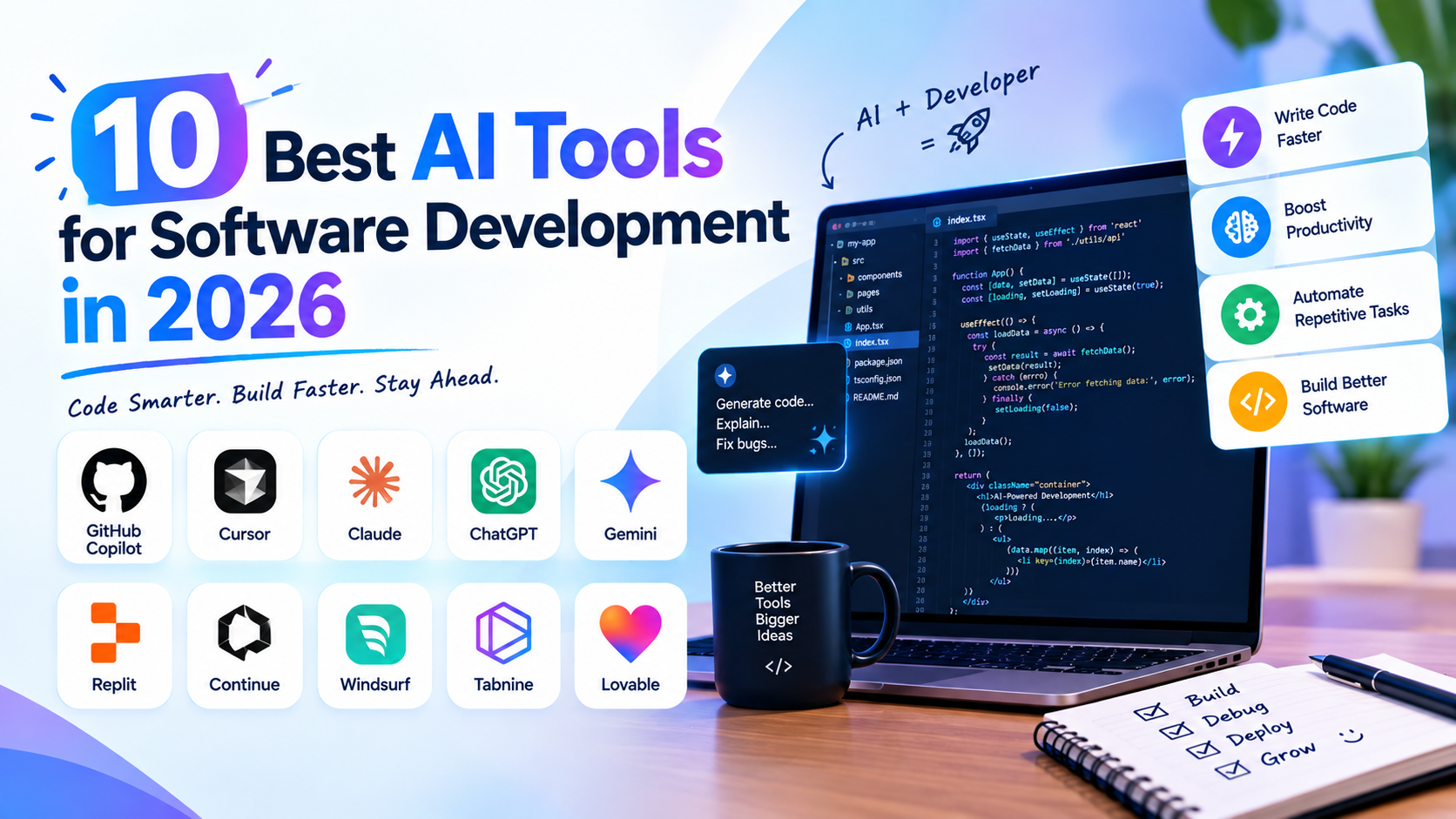
Software development is being drastically altered by artificial intelligence. In order to tackle typical programming challenges, developers no longer have to manually create every line of code or spend hours looking through documentation. Code creation, debugging, code completion, documentation, testing, code reviews, and even broader software development workflows can now be assisted by AI-powered development tools.
These technologies can speed up development and lessen repetitive tasks for students, new hires, professional developers, and startup teams. AI tools, however, cannot take the role of programming expertise. Software architecture, security, testing, and business requirements are still concepts that developers must comprehend. The best strategy is to deploy AI as a development aid while maintaining human oversight and validation of the finished code.
1. GitHub Copilot
One of the most well-known AI coding aids is GitHub Copilot. Copilot, which was created by GitHub in partnership with OpenAI and other AI technology providers, may help developers directly within development environments that are supported. It can aid with typical programming jobs, write functions, explain code, and provide code ideas.
The fact that developers can use AI without leaving their coding environment is one of its main benefits. Developers can specify their needs and get coding help while working on their project, eliminating the need to transfer between an IDE and a different chatbot. Boilerplate code, repetitive programming jobs, learning new APIs, and investigating implementation strategies can all benefit from this.
2. Cursor
Software development is the focus of Cursor, an AI-powered code editor. Although it is based on the Visual Studio Code ecosystem, it has AI technologies that let developers use natural language to communicate with their codebase. Developers can utilize AI to comprehend ongoing projects, ask questions about files, and suggest changes to the code.
When working with larger codebases, Cursor becomes really helpful. Developers can let an AI assistant operate with pertinent project context rather than manually explaining a whole project to it. It may alter several files, help with debugging or refactoring, and show where changes need to be made. For developers that wish to include AI deeply into their regular coding routine, this makes it helpful.
3. Claude Code
Anthropic's coding-focused agent, Claude Code, is made to work with software projects from the terminal. It can assist developers in understanding repositories, changing files, executing commands, and completing multi-step development jobs rather than just recommending individual lines of code.
Claude Code differs from other autocomplete solutions because of this. A developer can give it a more general goal, like asking it to look into a bug, find the pertinent files, make a modification, and run tests. Although the agent-based approach can lessen the amount of manual coordination needed for difficult coding processes, developers still need to review the final product.
4. Google Gemini Code Assist
Google's AI coding aid for developers is called Gemini Code Assist. It can explain programming principles, help with debugging, produce and finish code, and offer development recommendations. It is made to function with both Google's wider developer ecosystem and widely used programming environments.
The tool might be useful for both novices and seasoned developers. Professional developers can use it for productivity and repetitive coding jobs, while students can utilize it to comprehend new code and programming concepts. It is especially useful for teams developing applications with Google technologies because of its interaction with Google's cloud and development ecosystem.
5. Amazon Q Developer
An AI-powered tool for software development, specifically in the AWS ecosystem, is called Amazon Q Developer. It can assist developers in working with AWS services, writing code, comprehending existing code, and troubleshooting issues.
Cloud development is one significant use case. Along with application code, developers working with AWS frequently need to comprehend services, configurations, and infrastructure. Developers may complete these activities more quickly with the aid of an AI assistant that is familiar with the AWS environment. Additionally, it can help with activities like code generation, error explanation, and development workflow improvement.
6. Replit AI
Replit is a browser-based development platform that integrates AI-assisted development, coding, and teamwork. Because of its AI capabilities, developers may specify what they want to do and get help creating or changing code.
Because of this, Replit is especially appealing to novices, learners, and developers who wish to quickly test a concept without creating a complicated local development environment. A developer can begin working on a project in the browser and utilize AI support as they construct it. Additionally, it might be helpful for testing software concepts, instructional projects, and quick prototypes.
7. Windsurf
An AI-powered development environment called Windsurf was created to offer additional agentic coding support. Instead of only helping with individual autocomplete recommendations, its AI features may work with a developer's codebase and assist with multi-step development activities.
When a task contains multiple related adjustments, this method works well. For instance, a developer might have to update relevant logic, change a component, and edit tests. An AI coding agent can assist in coordinating the modifications rather than managing each step by hand. Before accepting generated changes, developers should examine them and execute the necessary tests, much like with other agentic development tools.
8. Tabnine
Code completion and developer productivity are the main goals of Tabnine, an AI coding helper. It is made to interact with many programming languages and development environments, and it may offer recommendations while programmers write software.
Code-completion tools might be helpful for developers who want AI support without totally altering their current process. They can speed up developers' progress through well-known programming patterns and lessen repetitious typing. Additionally, Tabnine prioritizes enterprise development requirements, making organizational control and privacy key components of its positioning.
9. Aider
A developer's current Git repository can be accessed via Aider, a terminal-based AI pair-programming tool. Developers can use natural language to instruct the tool to make changes to their codebase in order to maintain a version control process.
Because of its terminal-first approach, it will be particularly interesting to those that like command-line development. Aider can be useful for generating functionality, modifying many files, and working through coding chores with AI support. Since changes are made within a Git-based workflow, developers may analyze differences and manage changes using well-known version-control techniques.
10. Continue
Continue is an open-source AI coding tool that may be used to add AI features to programming environments. Developers can use it for tasks like programming with AI models, code generation, and code explanation.
One advantage of an open approach is flexibility. Developers and teams can have more autonomy over the AI models and infrastructure they use rather than depending entirely on a single closed AI platform. This may be especially relevant for developers trying out different strategies or businesses looking to have greater control over their development tools.
How AI Tools Are Changing Software Development
The biggest change brought by AI coding tools is not simply that they can generate code. The larger change is that software development is becoming increasingly natural-language driven.
Developers can describe requirements in plain language and ask AI systems to translate those requirements into code, tests or implementation plans. This can reduce the amount of repetitive work involved in programming and allow developers to spend more time thinking about architecture, requirements and product decisions.
AI tools are also becoming more agentic. Earlier coding assistants primarily provided autocomplete suggestions. Newer systems can understand larger portions of a repository, make changes across multiple files, execute commands, run tests and iterate based on results.
This does not mean developers can stop understanding code. In fact, the ability to review AI-generated code is becoming increasingly important. AI-generated software can contain bugs, security vulnerabilities, incorrect assumptions or unnecessary complexity. Human review remains an essential part of professional software development.
AI Coding Tools vs Traditional Development
Traditional software development usually requires developers to manually translate requirements into designs, code, tests and documentation. AI tools can assist with many of these stages, but they do not remove the underlying engineering process.
For example, an AI assistant may generate a function in seconds, but developers still need to determine whether the function is actually appropriate for the application. They need to consider performance, security, maintainability, scalability and compatibility with the existing architecture.
The best workflow is therefore not “AI writes everything.” A more practical model is “developer + AI.” The developer defines the objective and constraints, AI accelerates implementation, and the developer reviews, tests and validates the result.
Which AI Development Tool Should Developers Use?
There is no single AI development tool that is suitable for every developer. The right choice depends on the developer's workflow and requirements.
Developers who want AI deeply integrated into their coding environment may explore tools such as GitHub Copilot, Cursor, Windsurf or Claude Code. Developers working heavily with AWS may find Amazon Q Developer particularly relevant, while developers experimenting with browser-based development may prefer Replit.
For developers interested in open-source and customizable workflows, tools such as Aider and Continue provide different approaches to AI-assisted development.
The important factor is not simply choosing the tool with the most features. Developers should evaluate how accurately the tool understands their codebase, how well it handles their programming languages, how much control it provides and how easily generated code can be reviewed and tested.
More for your curious side.
Google Gemini 4 Carbon: New AI Model Leads Across Coding, Cybersecurity and Long-Context Benchmarks
Google Gemini 4 Carbon: New AI Model Leads Across Coding, Cybersecurity and Long-Context Benchmarks Google Gemini 4 Carbon is making headlines in the…

Microsoft’s Biggest Exit Offer Ever: 60,000 Employees, Including India
Microsoft has introduced a Voluntary Exit Offer (VEO) that could cover approximately 60,000 employees across the United States, India, the United Kingdom and…

Freshers Read This: IIT Madras Study Says AI Could Shrink Your First Job Options
Every year, lakhs of students in India finish college with one hope: a first job that lets them learn, grow and move up.…